
AI Segmentation
Add punctuation and better line breaks to existing captions. Works with YouTube auto and creator captions, plus Netflix and Coursera—free to start.
Captions often lack punctuation and break mid-sentence. AI Segmentation adds punctuation and re-breaks existing captions so they read like normal subtitles—it does not re-transcribe audio, and it won’t necessarily fix recognition errors. Both free and members can use it on separate queues; the member queue is usually faster at peak times.
In the subtitle menu, the option is labeled Segmentation. In Settings there is an AI Segmentation section with an Enable toggle and Model (Auto / Small / Large). With the default Auto, members use the Large model and non-members the Small model; Large is members-only.
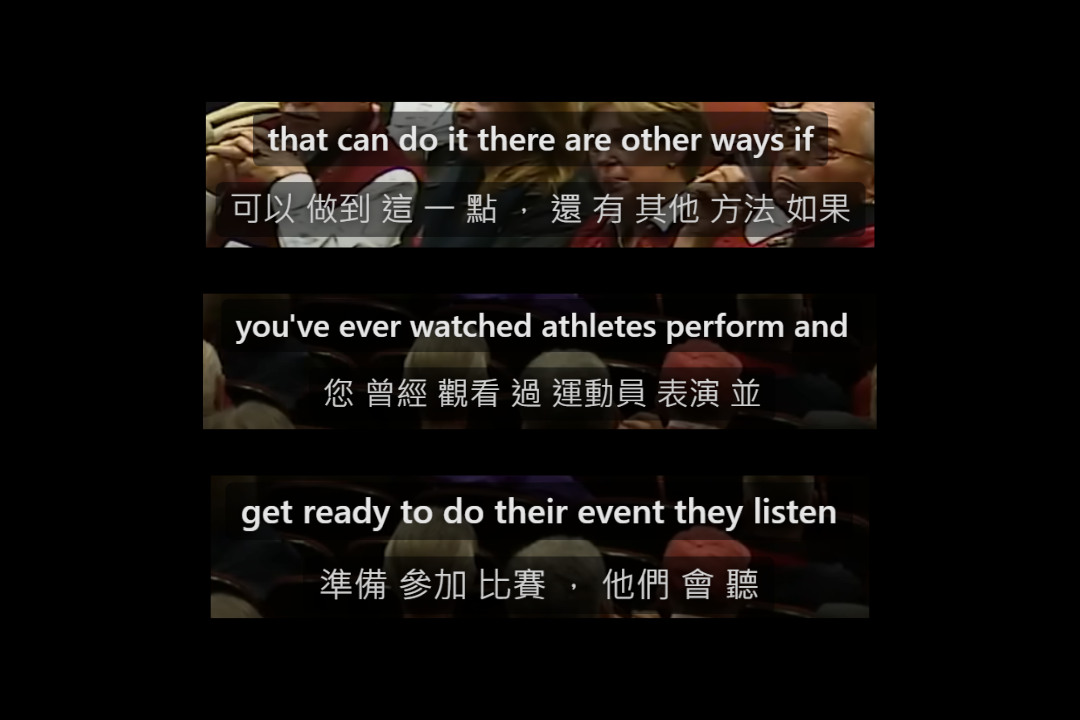

Three ways (same label, different sources)
Everything looks like “Segmentation” in the menu, but there are three paths. You must pick that row in the subtitle menu—choosing a plain language track does not apply it automatically.
| Use case | When | Turn on Enable |
|---|---|---|
| YouTube auto-captions | The video already has auto-generated captions | Not needed—appears whenever auto-captions exist |
| YouTube creator / manual captions | The video has uploaded or human captions | Yes—turn on Enable in AI Segmentation |
| Netflix / Coursera official captions | The title or course has text captions | Yes—turn on Enable in AI Segmentation |
Mobile (phone / tablet) supports YouTube only; use the desktop extension for Netflix and Coursera.
1. YouTube auto-captions
Best when the video has auto-captions that break awkwardly.
- Open a regular (non-live) YouTube video with auto-generated captions.
- Open the extension → Subtitles tab.
- In the primary or secondary subtitle menu, pick the row labeled Segmentation (for example
English (Segmentation)).
No need to turn on Enable first. You’ll see “Queuing” or “Generating” while it runs; when it’s done, you can translate, practice, or export SRT.
It adds punctuation and re-breaks the auto-captions. If they already have punctuation, it keeps what’s there, fills gaps, and smooths line breaks.
2. YouTube creator / manual captions
Use this when you want the creator’s wording, with clearer breaks.
- Open the extension → Settings; in the AI Segmentation section, turn on Enable.
- Go back to Subtitles; each manual caption language gets an extra Segmentation row.
- Pick that row yourself (it isn’t selected automatically).
It keeps the creator’s text, then adds punctuation and re-breaks lines. The menu label matches the auto-caption path: Segmentation.
Turning off Enable removes those rows; if you had one selected, you’ll fall back to the matching plain manual track.
3. Netflix / Coursera official captions
- Open the extension → Settings; in the AI Segmentation section, turn on Enable.
- The Subtitles menu gains rows labeled Segmentation.
- Pick that row; a plain language choice does not run segmentation.
It downloads the official captions, then adds punctuation and re-breaks them. You may also see “Queuing / Generating”. If segmentation fails temporarily, the original captions stay—so the screen doesn’t go blank.
About “corrected” in the menu
On YouTube, Segmentation and a label with corrected sometimes appear together. “Corrected” doesn’t mean the captions are broken, and it isn’t always instant:
| Situation | What happens |
|---|---|
| Still “Queuing / Generating” | Same pipeline—you still wait |
| Server already has a cache for this video, type, and tier | Instant load, no re-queue |
| You ran it free before, now signed in as a member | Free and member caches are separate—re-queue needed |
| Mobile | Menu usually has no “corrected”—pick Segmentation directly |
Supported languages
The auto-caption path covers about 70 common languages (the video must already have auto-captions in that language). Creator captions and Netflix / Coursera follow whatever languages that title already provides.
Auto-caption languages reference (~70)
Afrikaans, Albanian, Amharic, Arabic, Armenian, Azerbaijani, Basque, Belarusian, Bengali, Bulgarian, Burmese, Cantonese, Catalan, Khmer, Chinese, Croatian, Czech, Danish, Dutch, English, Estonian, Persian, Filipino, Finnish, French, Galician, Georgian, German, Greek, Gujarati, Hebrew, Hindi, Hungarian, Icelandic, Indonesian, Italian, Japanese, Javanese, Kannada, Korean, Lao, Latvian, Lithuanian, Macedonian, Malay, Malayalam, Marathi, Mongolian, Nepali, Norwegian, Polish, Portuguese, Punjabi, Romanian, Russian, Serbian, Sinhala, Slovak, Slovenian, Spanish, Sundanese, Swahili, Swedish, Tamil, Telugu, Thai, Turkish, Ukrainian, Urdu, Uzbek, Vietnamese, Zulu.
Troubleshooting
- Stuck in queue: Free queues are busier—that’s normal. Member queues are usually faster; both slow down at peak times.
- No Segmentation row (auto-captions): Confirm the video has auto-generated captions and isn’t a live stream.
- No Segmentation row (creator / Netflix / Coursera): In Settings, turn on Enable in the AI Segmentation section, then reopen the subtitle menu.
- Picked a plain language and nothing changed: Expected—you must pick the row labeled Segmentation.
- Failed / timed out: Try again later, or use member Whisper.
- Very long videos may be rejected.
When to use Whisper instead
If the video has no captions at all (including no auto-captions), AI Segmentation can’t help—use member Whisper to generate from audio.
When auto or creator captions already exist, AI Segmentation is usually faster.