
Separate display
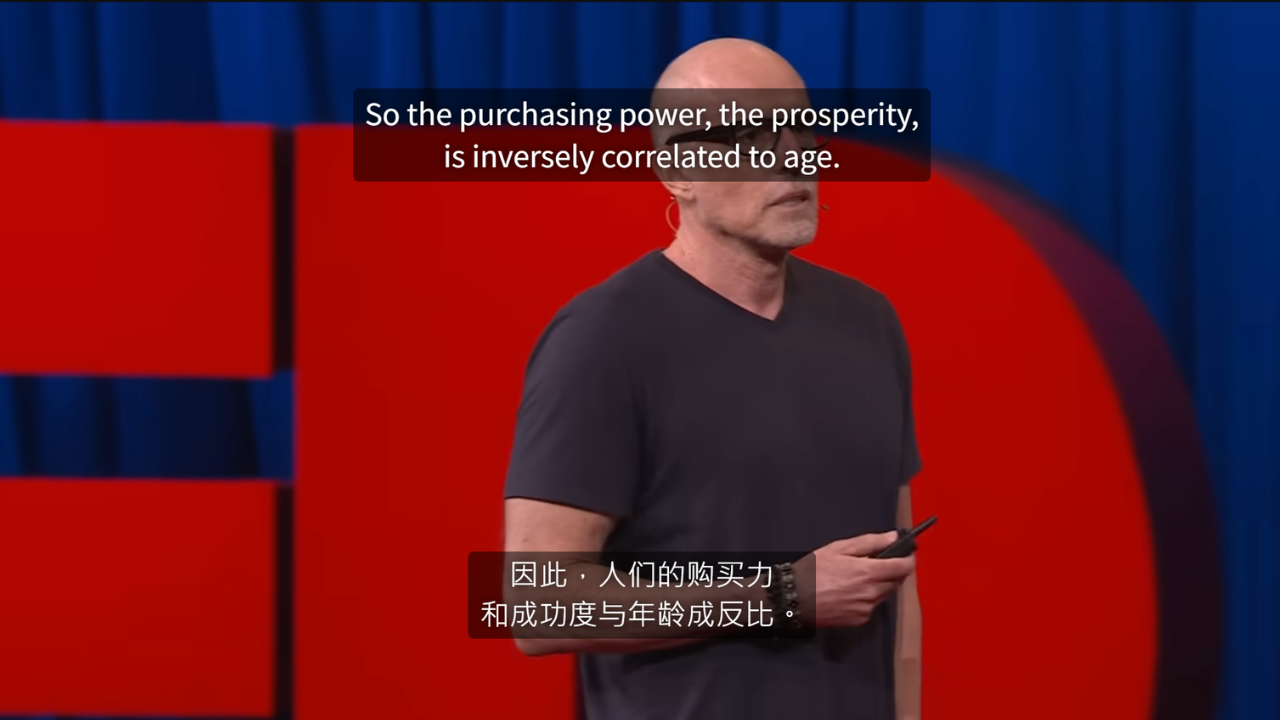
Place primary and secondary subtitles at different heights for a cleaner, easier-to-compare layout.
When you’re showing two languages, some people like them split—one lower, one a bit higher—for a cleaner look.
How to use
In the Settings tab, turn on Separate display, then adjust the vertical position of primary and secondary subtitles independently.
When it’s useful
- You want both languages visible, but stacked together feels cramped.
- You want translation farther away so you read the source first.
- The video has native subtitles at the bottom and you want to avoid overlap.
Pair with
Once positions feel right, use Style Studio to give each row a distinct style so you can tell source from translation at a glance.