
Speaking mode
Repeat lines along with the video, record yourself, and play it back to compare—practice speaking without the pressure.
Listening alone won’t get you speaking. Speaking mode lets you repeat lines, record yourself, and compare with the original to see where you differ.
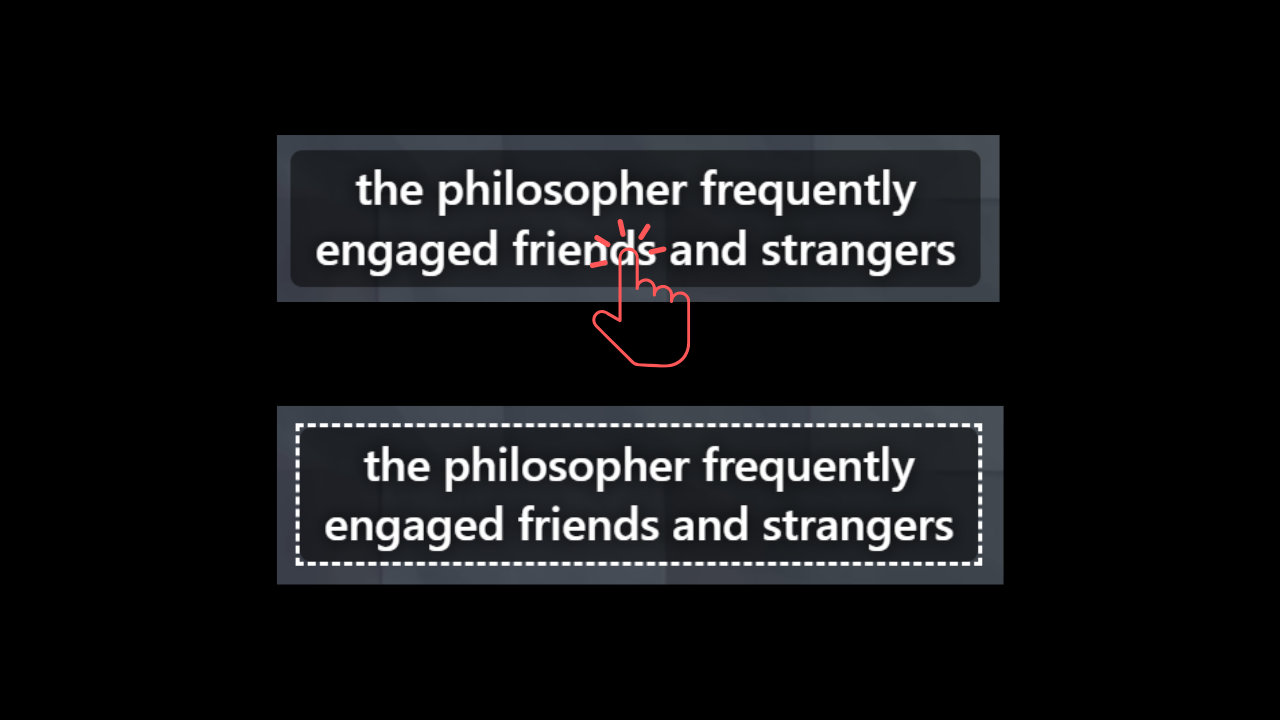
How to practice
In the Settings tab, switch mode to Speaking, then use these keys (also available in Shadowing mode):
- Alt + F: Hold to record, release when you’re done
- Alt + R: Tap to start or stop recording (no need to hold)
- Alt + G: Replay your recording
- Alt + M: Toggle mic monitoring (hear yourself while you speak)
What you can adjust
- Playback volume
- Use alongside the dictation input box
Practice tips
- Listen to the original once and catch the intonation.
- Hold Alt + F and repeat the line.
- Press Alt + G to compare with the original.
- Repeat the rough spots—pay attention to linking and stress.
Want to nail every word first? Do Dictation before speaking. Want to match the rhythm along the timeline? Try Shadowing mode too.