
Learning mode
Click a word for AI explanations and examples, save flashcards, and review anytime—turn any video into study material.
Learning mode turns every line into a lesson. Click a word you don’t know for an AI explanation; save words you like and review them with flashcards later.
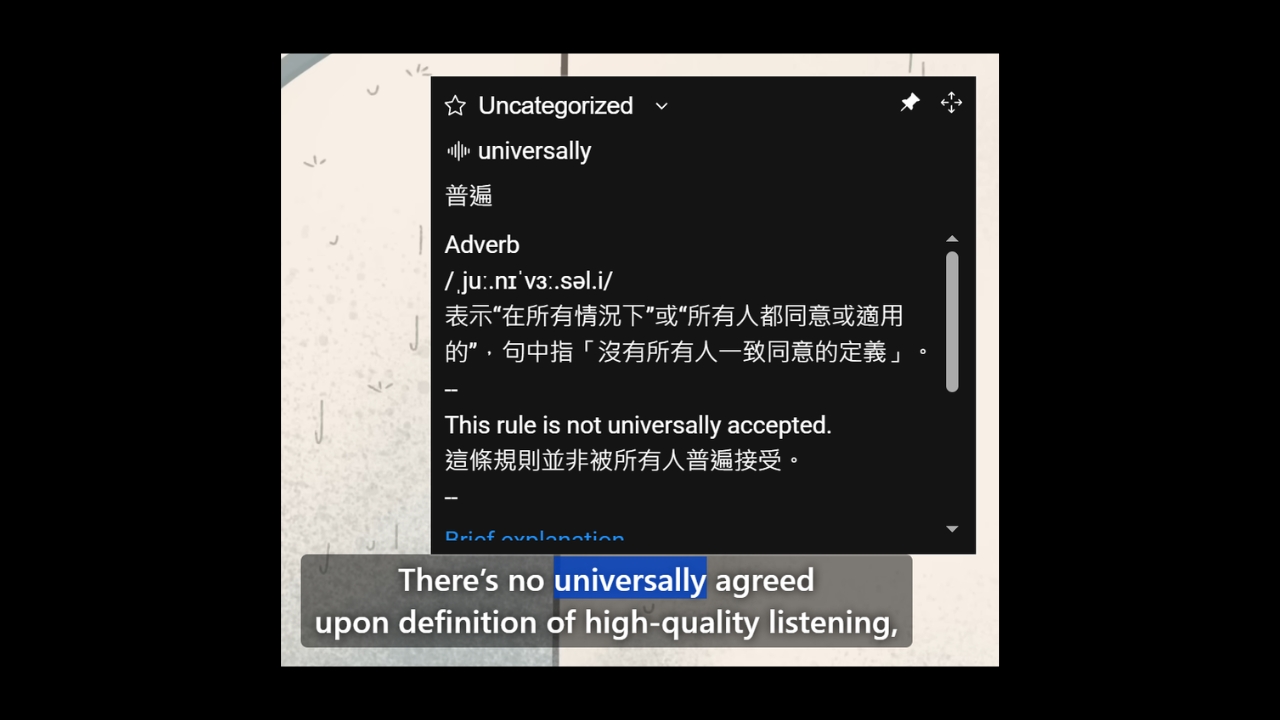
Click to understand
While the video plays, click any word in the subtitles and AI explains it. Choose how it responds:
- Short explanation: Grasp the meaning quickly.
- Five example sentences: Learn usage from context.
- Dictionary definition: Full dictionary-style entry.
It also speaks the word aloud with a mouth animation so you pick up pronunciation too.
Save flashcards for later
When you find a word worth remembering, add it to a deck. On the Saved cards page you can:
- Create, organize, and delete decks
- Sort and choose which cards to review
- Export to CSV for other tools
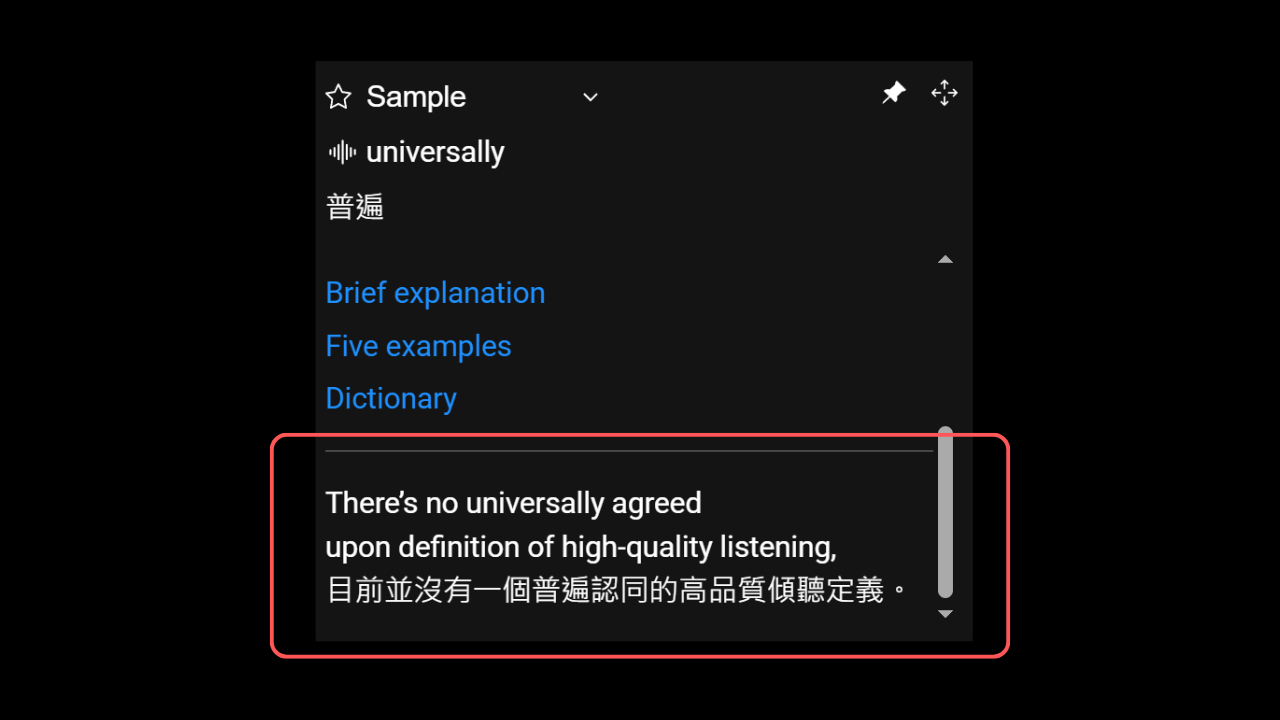
Setup
In the Settings tab, switch mode to Learning and pick your target language (which language you want AI explanations in).
Membership required
AI explanations and flashcards in Learning mode are membership features. The free tier still includes Dictation, Speaking, and Shadowing practice.
The old Langforest sidebar has been retired. Use Learning mode and Saved cards instead.