
Make subtitles selectable
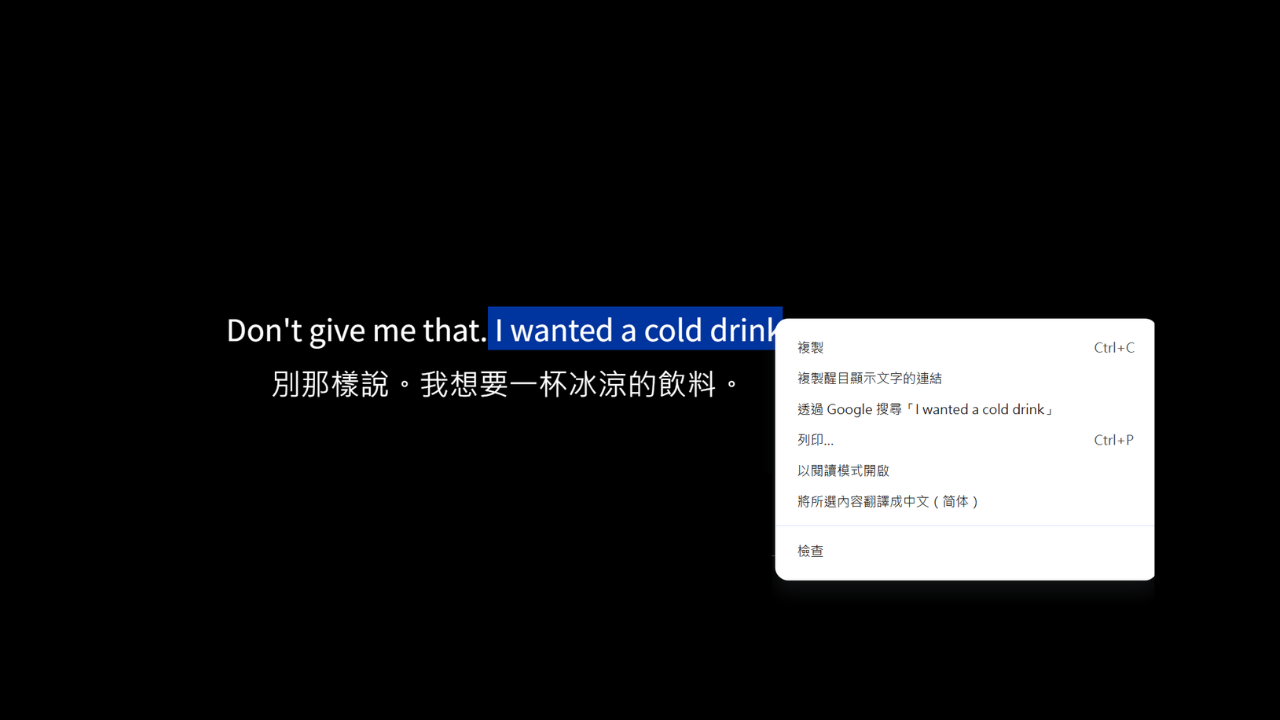
Turn this on to select and copy subtitle text right from the video—for dictionaries or notes.
See a line you want to look up? Turn this on and you can select and copy subtitle text directly.
How to turn it on
In the Settings tab, enable Selectable. Hover over subtitles and select text like you would on any webpage.
When it’s useful
- Copy a confusing sentence into a dictionary or translator.
- Save a favorite quote to your notes.
- Copy a proper noun exactly when you need precision.
Note
With Selectable on, hovering over subtitles is mainly for text selection. If you’re using Hover to reveal to quiz yourself, the interaction feels a bit different—toggle based on what you’re doing.