LangZero
Currently, LangZero supports English learning only and offers Traditional Chinese, Simplified Chinese, and Japanese as translation languages.
Connect Netflix Bilingual Subtitles
-
Log in to LangZero.
-
Log in to Netflix Bilingual Subtitles.
-
In the settings of Netflix Bilingual Subtitles, enable Learning Mode and LangZero.
-
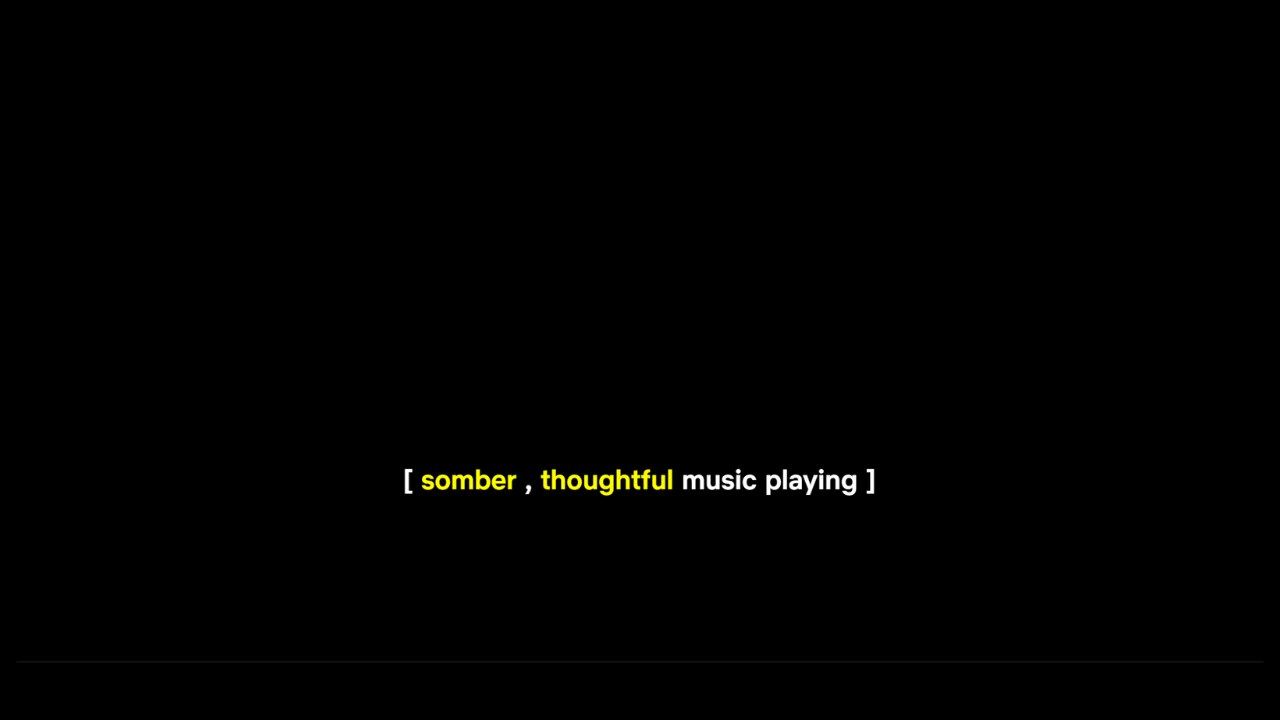
Words that have already been added to your vocabulary list will be highlighted in yellow.
Collect Vocabulary
-
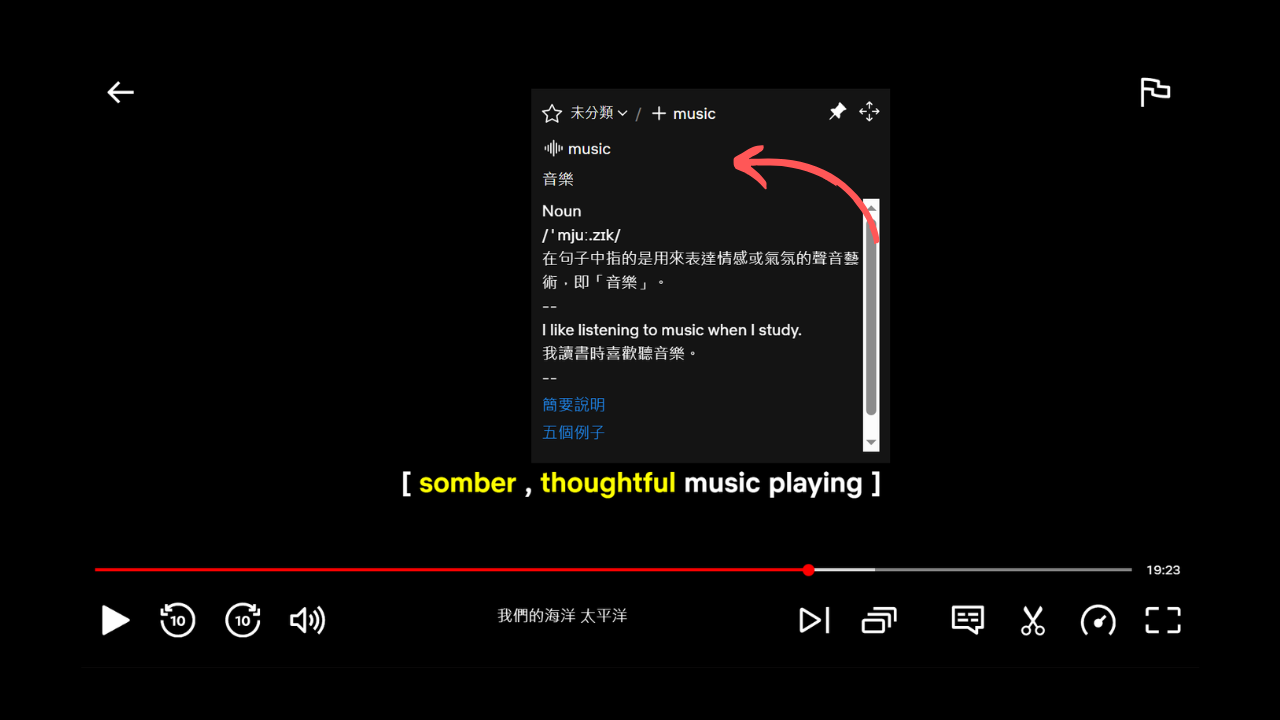
Click on the word you want to save.
-
In the pop-up window, find the “+” button (indicated by the red arrow in the image below), and click the word next to it to add it to your collection.
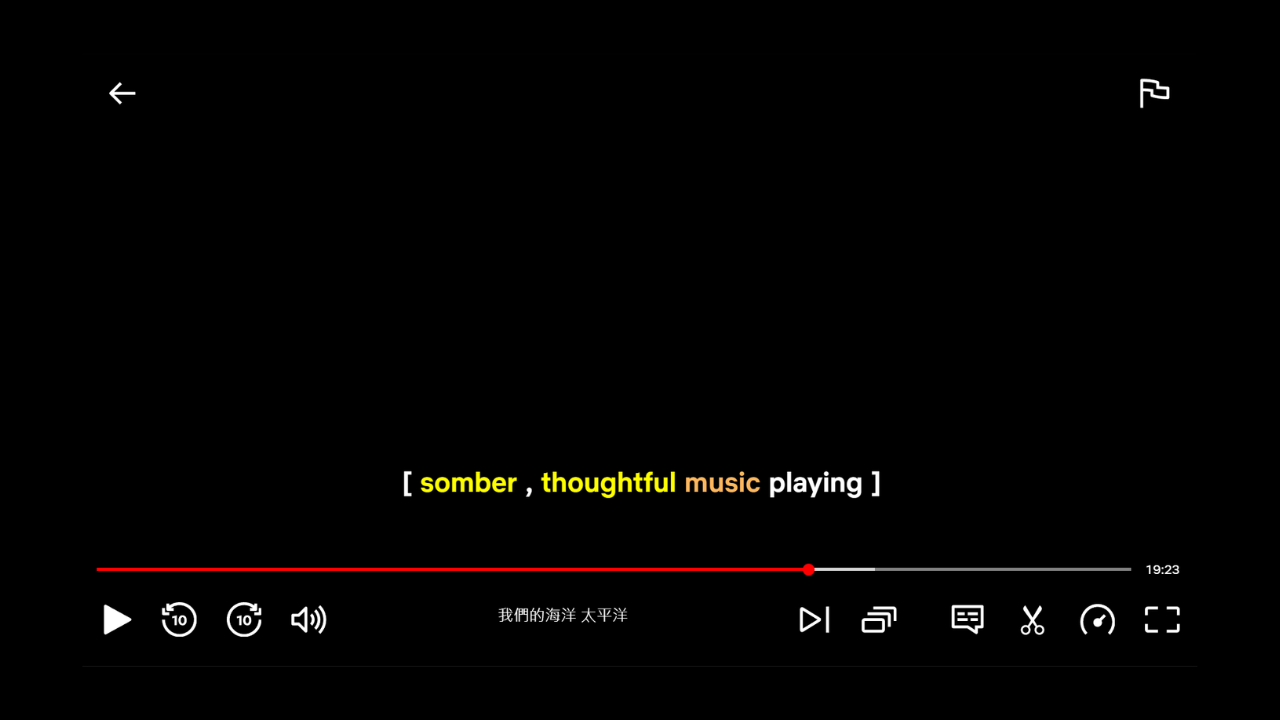
- Words that have already been added to your collection will be highlighted in orange.
- Words in your collection can be found in the “NBS” tab of LangZero.

Lemma Handling
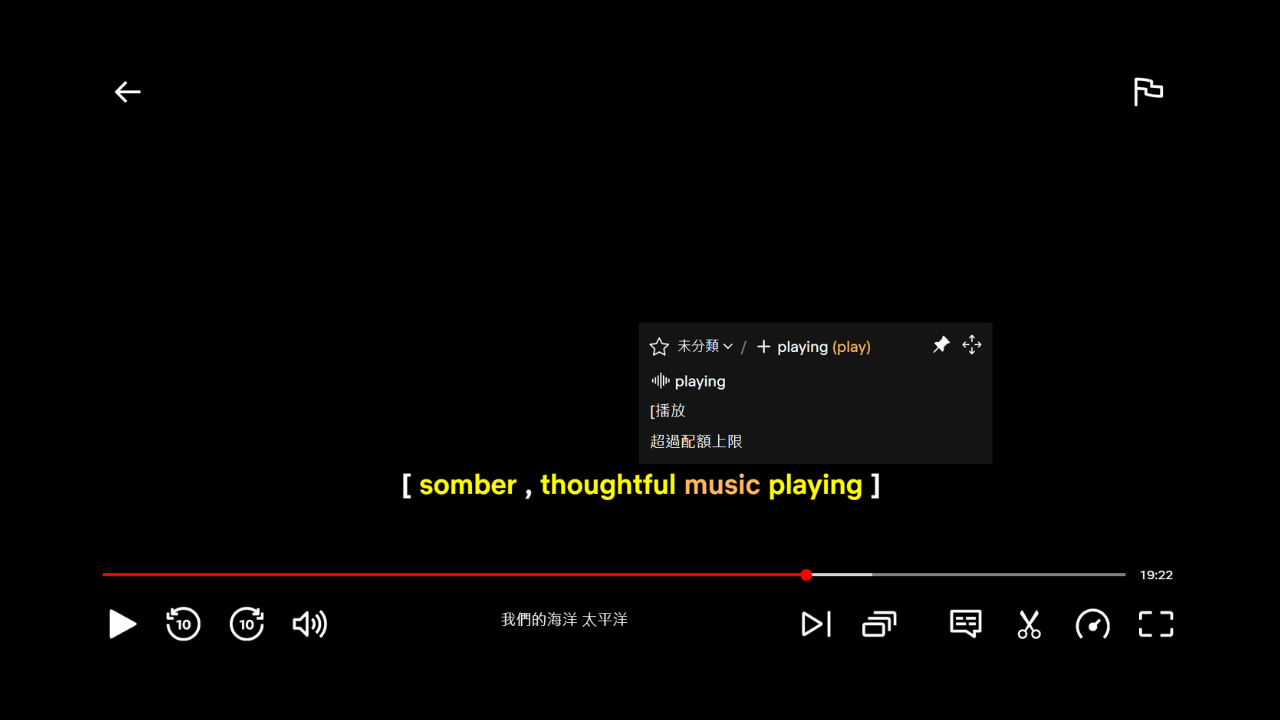
By default, Netflix Bilingual Subtitles does not automatically recognize different inflected forms of a word. For example, even if “play” is already in your vocabulary list, “playing” will not be highlighted.
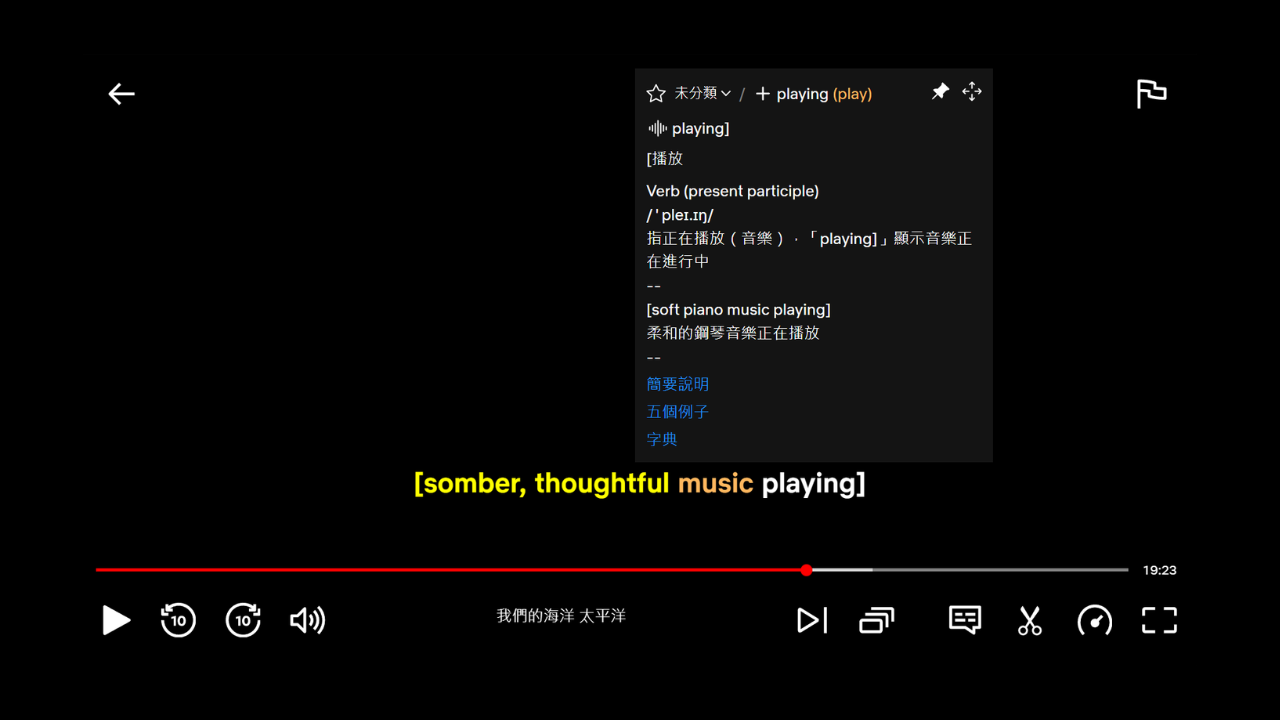
To allow the extension to recognize all inflected forms of the same lemma, please perform tokenization by following the steps below:
Click the “w” button to tokenize the word and obtain lemma information.
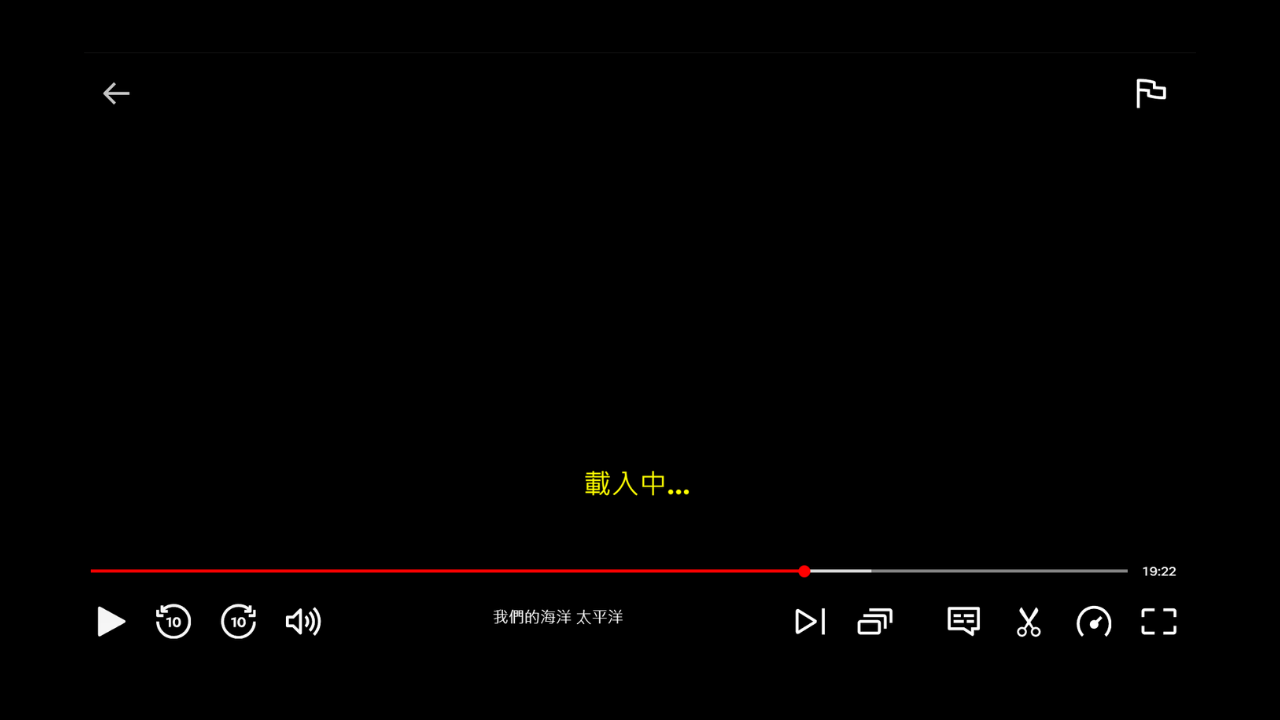
After tokenization is complete, the extension will be able to recognize different forms of the same lemma.
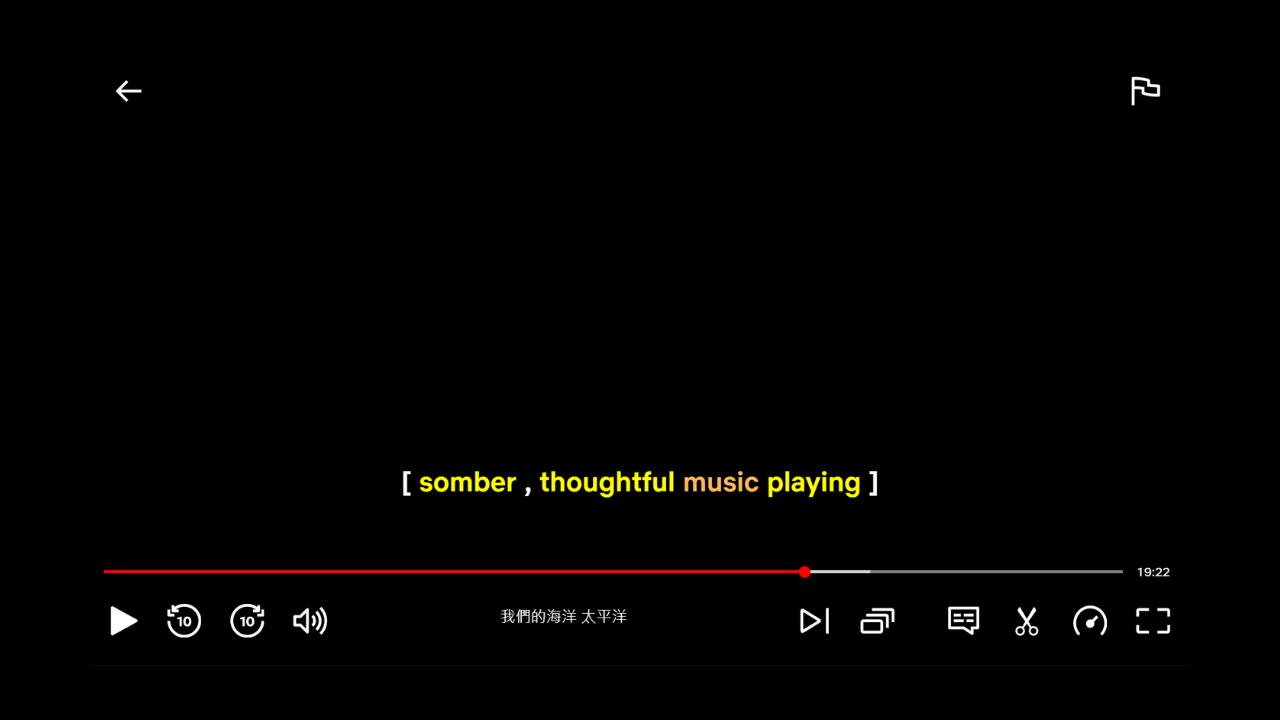
In the pop-up window, the lemma information will also be displayed.