Speaking Mode
Lock Sentence for Repeated Listening
-
Enable
Speaking Modefrom theSettingspage. -
Choose whether to lock the primary or secondary subtitle.
-
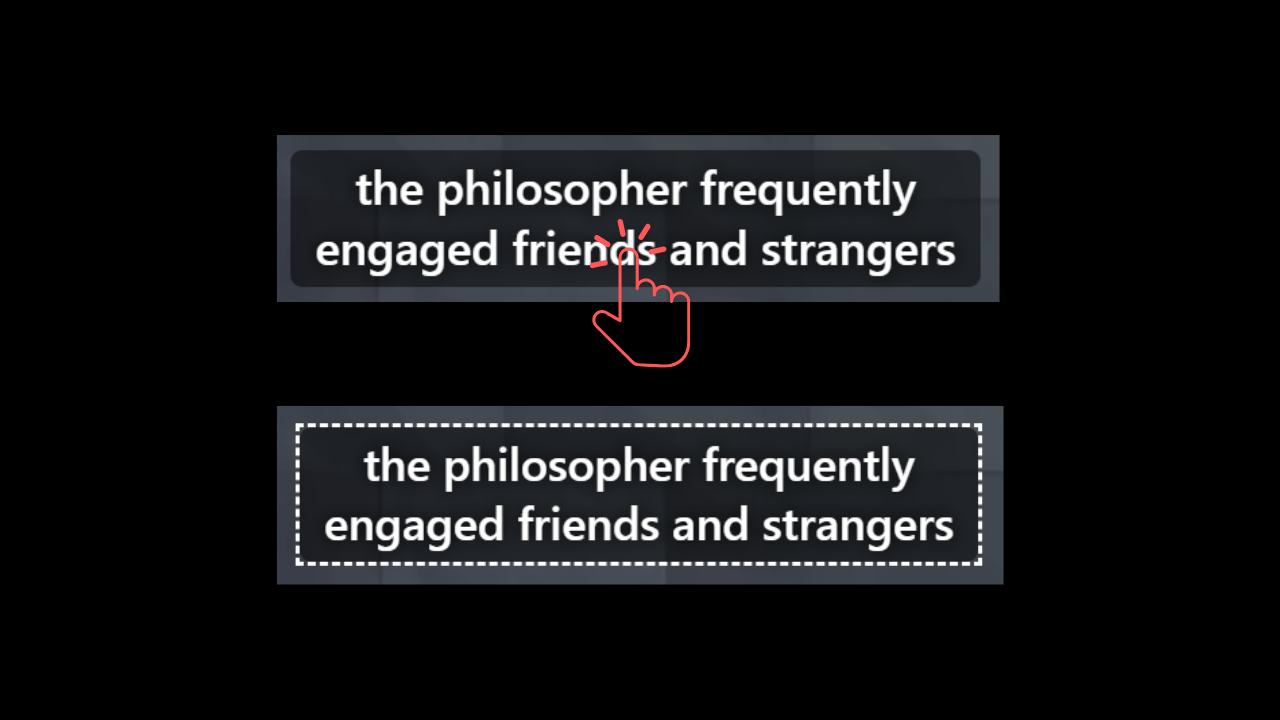
Click on a subtitle line. A dashed border will appear to indicate it is locked.
Recording (Hold)
Hold Alt + R to record; release to auto-play.
Microphone Monitoring
Press Alt + M to enable microphone monitoring to hear your voice in real-time.
Press it again to disable monitoring.
Recording and microphone monitoring can be used without locking a sentence.