Dictation Mode
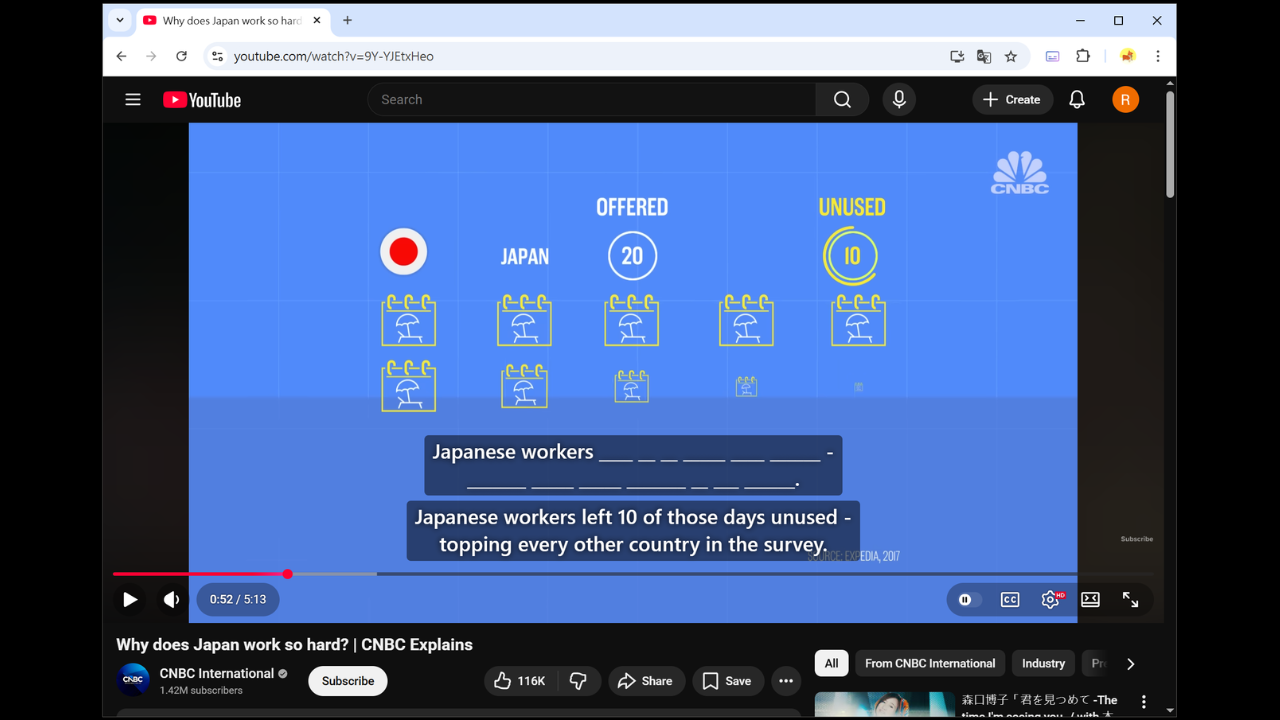
Usage
-
Enable
Dictation Modefrom theSettingspage. -
Click on a subtitle; a dashed border will appear to indicate selection.
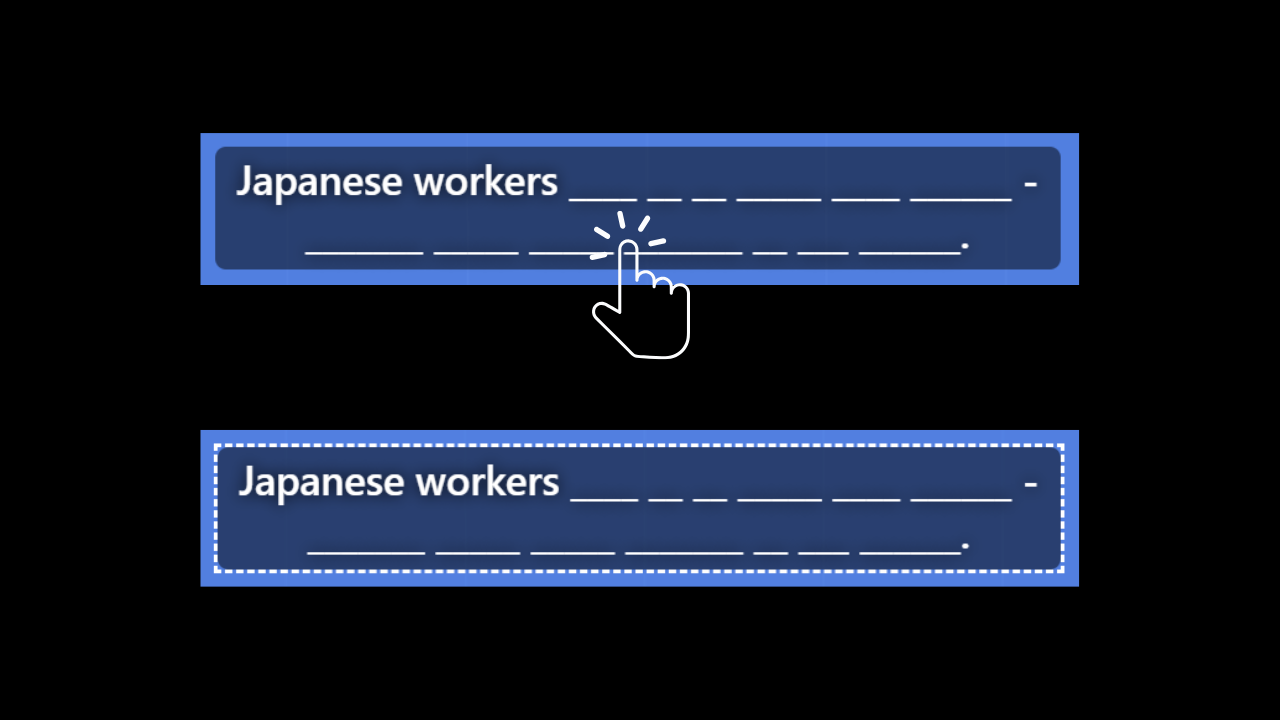
- Start typing.
Shortcuts
ALT + A - Previous Subtitle
ALT + S - Repeat Subtitle
ALT + D - Next Subtitle
ALT + Z - Show / Hide Primary Subtitle
ALT + X - Show / Hide Secondary Subtitle
ALT + W - Play from Current Word (Dictation Mode)
Only applicable to YouTube auto-generated and Whisper subtitles. Since the extension merges subtitles into longer sentences, replaying from the beginning can be inconvenient. This feature solves that problem.
ALT + H - Hint (Dictation Mode)